Nothing spikes your heart rate in shift management like the message that lands after everything's confirmed: "Sorry, I can't make it that day."
Find a replacement. They clash with someone else's plan. So you move a third person. Before you know it, the whole schedule you carefully built has fallen apart — this chain-reaction rebuild. Are you still doing it by hand every time?
Shiftaru, a shift and booking auto-matching app, turns absence coverage into a one-click redo.
🎉 Now live
Shiftaru is officially live. The free practice mode (sample data) needs no signup.
👉 https://shiftaru.com
Why one absence collapses the whole schedule
An absence hurts because one gap never stays one gap.
- You fill the empty slot with another staff member
- But that person is already booked with a different customer
- Shift them, and now they clash with their own break or next booking
- In the end, you're moving several people in a chain
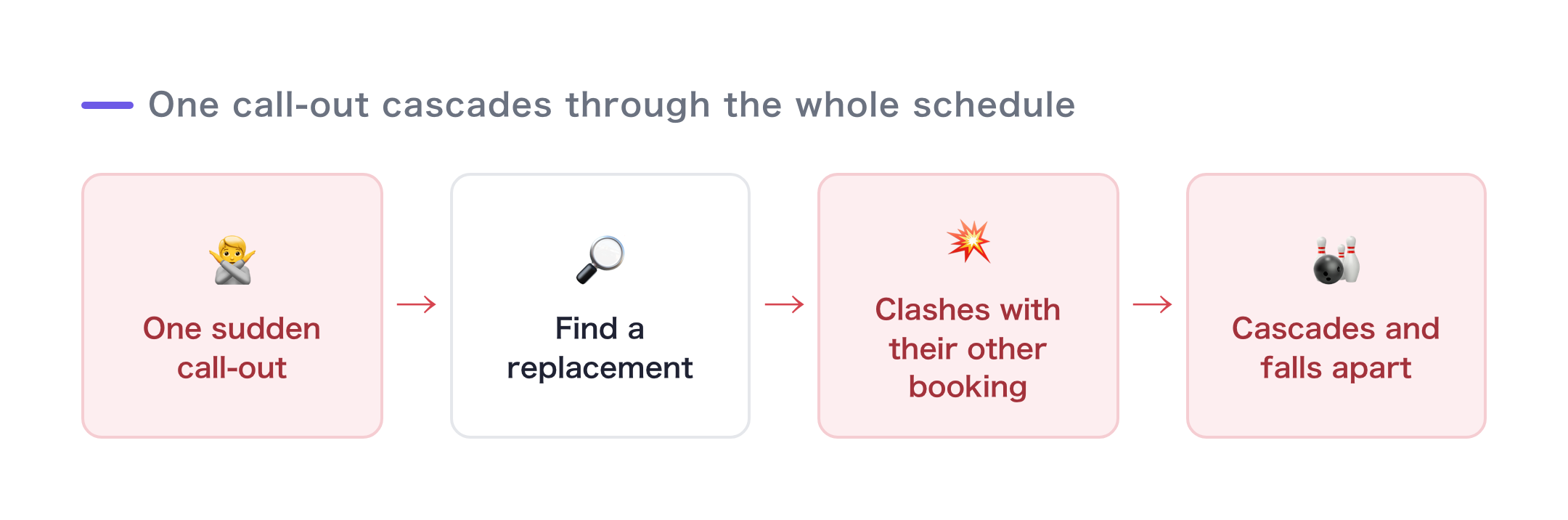
Done by hand, you're re-filling the schedule while tracing that whole chain in your head. That's the most draining part.
Shiftaru re-fills without breaking your current bookings
Shiftaru's rebuild isn't just plain re-matching. It respects every booking that's already confirmed and only re-fills the slots that opened up.
- It puts the affected customer back into the matching pool
- Meanwhile, every other customer's existing booking stays put (nothing moves on its own)
- Any new booking is placed so it doesn't double-book with existing bookings
- It also reserves travel and break time between the surrounding bookings
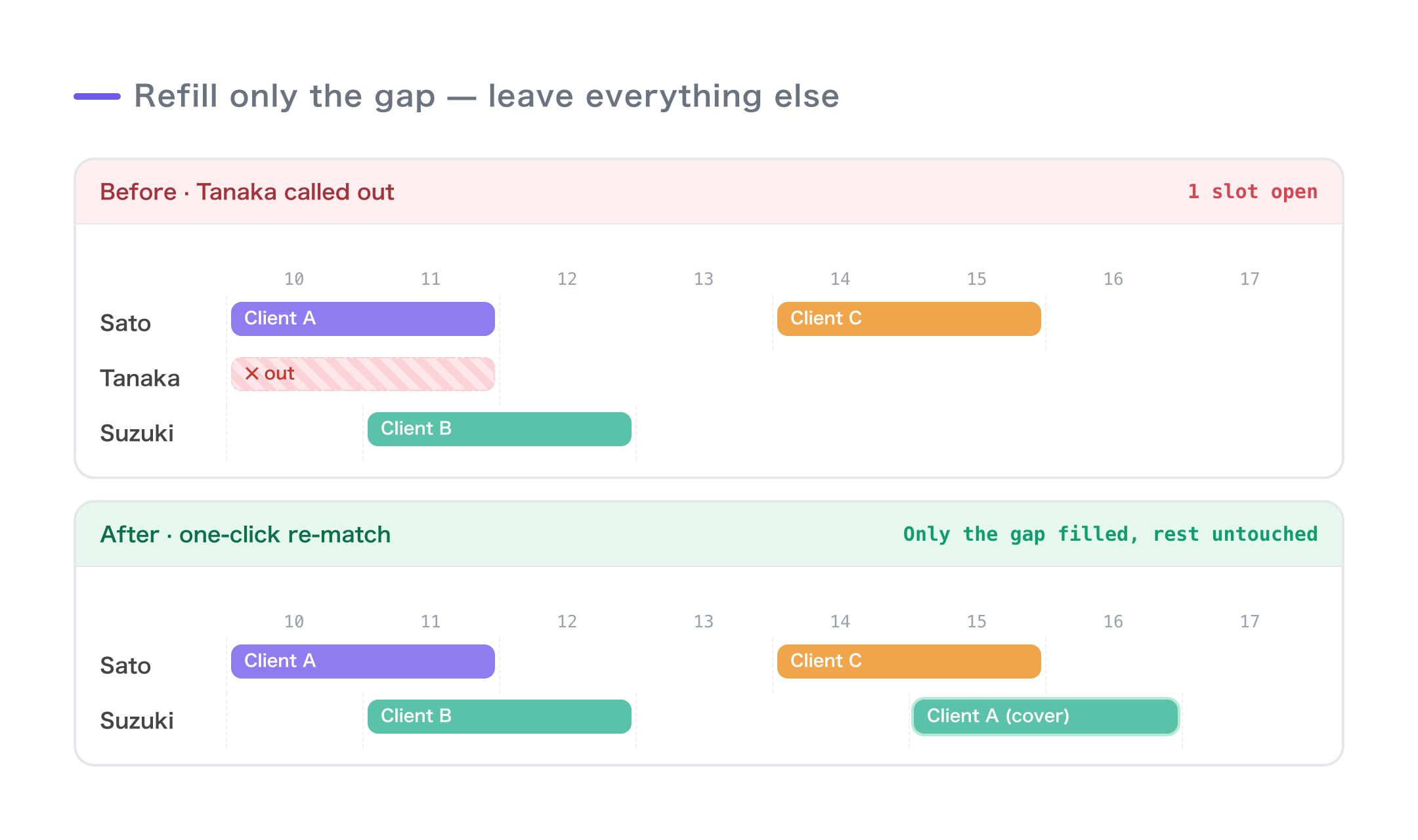
So instead of "rebuild everything for one gap," it's "swap in just one, safely." Even at hundreds of bookings, candidates appear in seconds.
The step-by-step flow
- Remove the affected booking (or include that customer and re-run)
- Run matching again — other bookings stay put, and a candidate fills the open slot
- Review the result and confirm. Only the swapped-in part updates on the calendar
It doesn't hide it when a slot can't be filled, either. If no replacement is found, you get "No match" plus near-miss candidates, so you can see at a glance "who could I ask to stretch a little?" You can also assign someone manually.
The same move works for same-day changes
"Shift it an hour," "swap in a different staff member" — those small same-day changes can be done right there with the dropdown in the result table or on the calendar. If there's an out-of-area, time-overlap, or certification mismatch, a warning icon appears, so you'll catch a swap that doesn't actually work.
Wrap-up
- An absence hurts because one gap chain-reacts across the whole schedule
- Shiftaru re-fills only the open slots, without breaking existing bookings (double-booking and breaks handled automatically)
- If it can't be filled, you get the cause and near-miss candidates, so you know your next move
- Small same-day changes are handled with a dropdown swap plus warnings
You no longer have to brace yourself for that "I can't make it that day" message.
- ▶ https://shiftaru.com — free practice mode, no signup
- ▶ Read more: Shiftaru Blog