Once you decide you're "finally done with Excel" and start shopping for a scheduling app, the sheer number of options is paralyzing. Line up the feature lists and they all start to look the same.
So this article lays out 5 checks that keep you from regretting the purchase — from a neutral standpoint. Not "pick this app," but a yardstick for judging whether a tool fits your operation.
🎉 Now live
Shiftaru, the app writing this, is officially live — a shift & booking matching app you can try free in practice mode, no signup.
👉 https://shiftaru.com
The 5 checks
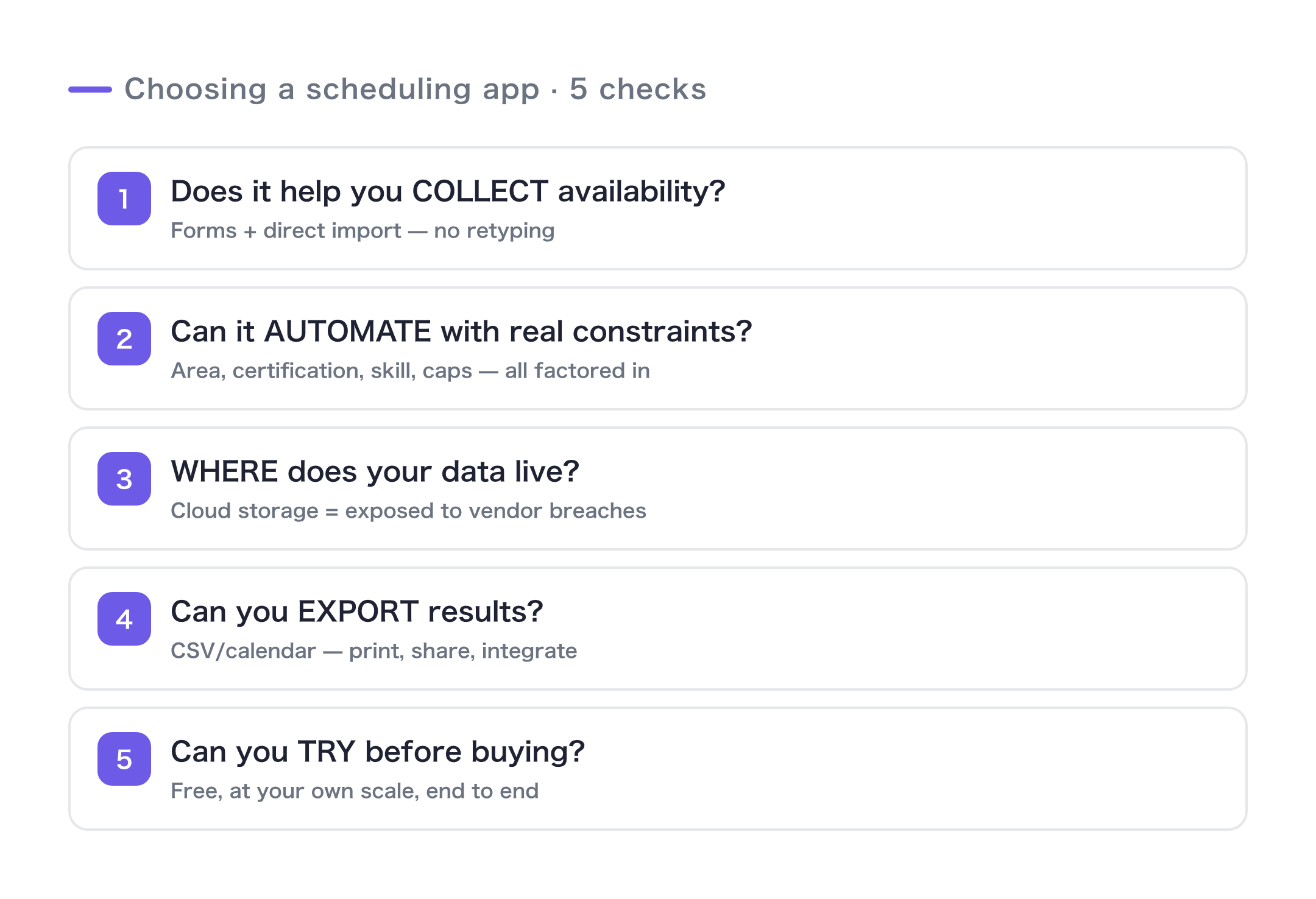
1. Does it handle the "collecting availability" part for you?
Half the pain of building a schedule actually lives in collecting availability. Gather it on paper or in chat, then retype it into Excel by hand — that step eats the most time and produces the most mistakes.
First, check whether the tool collects availability through a form, and whether you can import those responses directly. If "collect" and "build" are two disconnected steps, you're left doing the handwork anyway.
2. Can it automate with constraints beyond "who's free"?
"Assign whoever's available" is easy. The hard part is an allocation that also accounts for territory, certifications, skills, how strongly someone wants a shift, and caps.
Is it just a tool for sharing an availability table, or does it produce the best combination automatically, constraints and all? That's the line between "this saves me time" and "this doesn't."
3. Where does it store your customer and staff data?
Easy to overlook, but important: where the data lives. Most cloud tools save your customer information on the vendor's servers. Convenient — but it means if that vendor gets breached, your customer information leaks right along with it.
Especially if you handle sensitive details — names, addresses, treatment or care notes — "where does the data get stored?" is a question you should always ask. (We dig into this one in this post.)
4. Can you get your results out?
Can you export the finished schedule as a CSV or a calendar? Get locked inside the app and you'll hit a wall the moment you need to print, share, or connect another tool. Being able to take your own data out in your own format is unglamorous — and it matters.
5. Can you try it before you buy?
The surest test is running it on your own real data. With a free plan, trial, or practice mode, can you complete one full pass — all the way to a match — at your own scale? Pick an app that lets you check the actual feel and accuracy before you sign, not just read a feature list.
Use it as a checklist
| # | Check | Why it matters |
|---|---|---|
| 1 | Can it collect availability by form and import it? | Kills the retyping and the errors that come with it |
| 2 | Can it auto-assign with your constraints? | A "sharing" tool alone won't save you time |
| 3 | Where is your data stored? | So a vendor breach doesn't drag your customers in |
| 4 | Can you export to CSV / calendar? | So printing, sharing, and integrations aren't a dead end |
| 5 | Can you try it at your own scale before buying? | Judge by feel, not by a feature list |
For the record, here's how Shiftaru answers
At the risk of tooting our own horn, here's an honest account of how Shiftaru answers all five.
- 1. Google Forms are auto-generated from your settings — paste the public URL to import responses
- 2. Constraint-aware automatic matching on territory, certifications, level, caps, and nomination (constraints)
- 3. Data is processed entirely inside your own browser — we never receive it (nothing is sent)
- 4. Export results as CSV or a calendar, auto-saved when you confirm
- 5. A free practice mode where you set the head counts and run a full pass at your own scale
Of course it'll fit some operations and not others. Which is exactly why #5 matters — try it first, and judge it in your own shop.
Summary
Choose a scheduling app on these 5 points rather than the length of its feature list, and you're far less likely to regret it.
- Does it handle collecting availability, too?
- Can it automate with constraints beyond just availability?
- Where does your customer data live?
- Can you export your results?
- Can you try it at your own scale before buying?
Whichever app you land on, I hope this yardstick helps you decide.
- ▶ https://shiftaru.com — free practice mode, no signup
- ▶ Read more: Shiftaru Blog