Before you can build a schedule, you have to collect everyone's availability. And if half your team hasn't answered by the deadline, everything downstream slips — you're stuck chasing people instead of scheduling.
Moving from texts and group chats to a proper form already helps a lot (see how to collect shift requests). But getting the response rate itself up takes a few specific moves. This post is those five.
🎉 Now live
Shiftaru is officially live. The free practice mode (sample data) needs no signup.
👉 https://shiftaru.com
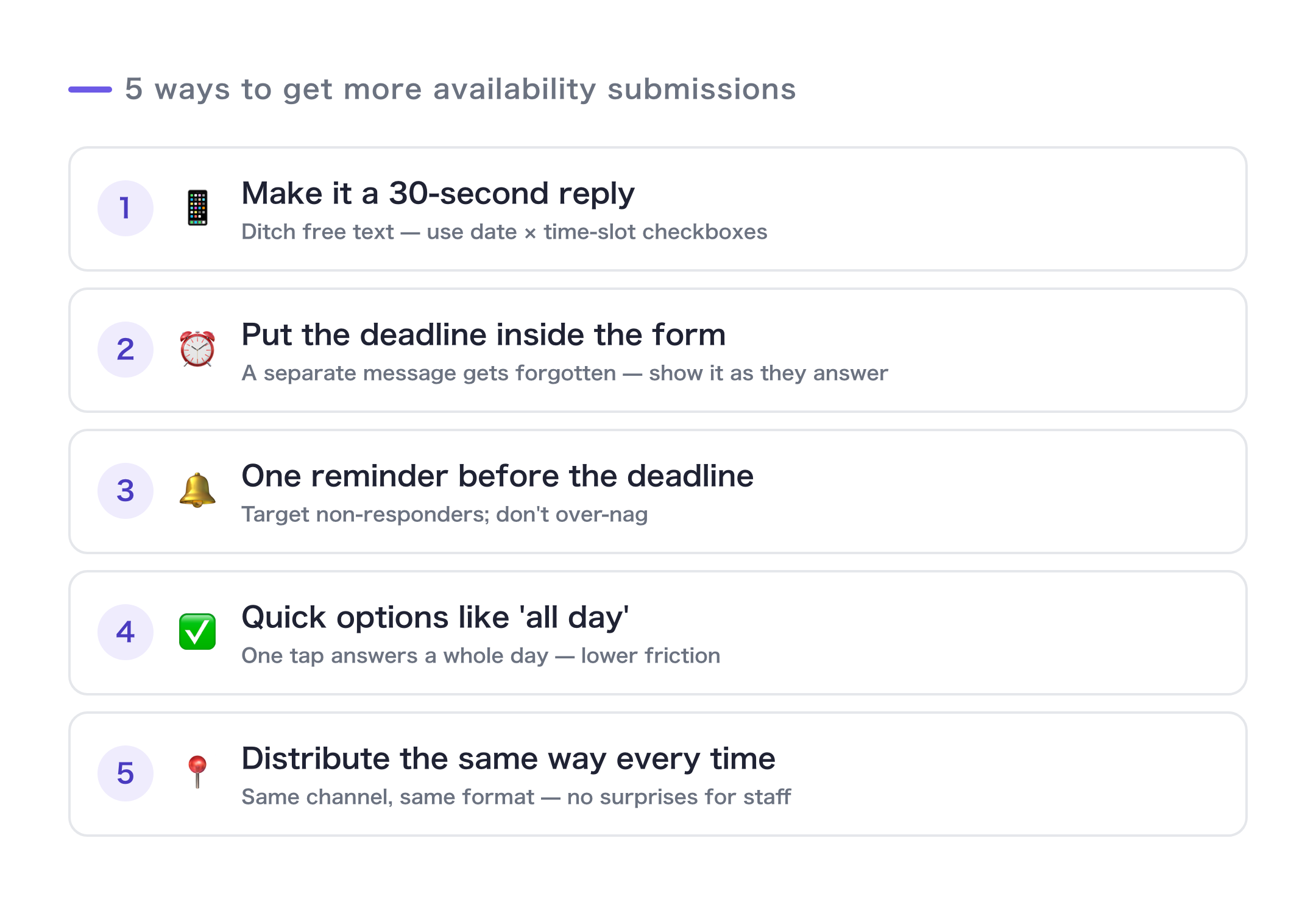
The 5 moves that lift response rates
1. Make it a 30-second task
The number one reason people don't respond is that it feels like work. Your goal: open on a phone, tap a few boxes, hit submit — done.
A blank "please tell us your availability" text box makes people put it off. Switch to a checkbox grid of dates × time slots and the response rate changes on its own.
2. Put the deadline inside the form
Announce the deadline in a separate message and it's forgotten by the time someone actually opens the form. Write the deadline into the form's description so it's right there at the moment they answer. Be specific: "Due Friday, March 14 by 9:00 PM."
3. Send exactly one reminder — before the deadline
Nagging wears out both sides. Send one reminder the day before or the day of, and that's it. A form tells you who hasn't answered yet, so you can send it only to the people who still need to respond.
4. Offer quick options like "available all day"
Checking off every time slot for every day is a chore. Add one or two quick options — "available all day," "mornings only" — and that day becomes a single tap. It drops the effort dramatically.
5. Use the same channel every time
Teams with steady response rates send the request the same way, in the same place, every time. When "shift availability goes in the usual group chat, at this link" is just the routine, staff answer without a second thought.
With Shiftaru, all five are built in
None of this takes willpower — it's a matter of setup.
- 1, 2, 4: From your settings (period, time slots, area, service), Shiftaru auto-generates a checkbox-style Google Form. Put the deadline in the description and add quick options like "available all day" on the spot.
- 3: Responses land in your Google Form, so spotting non-responders and reminding them is easy.
- 5: Build it once, then just change the period and re-generate. It settles into a routine: same response link, same place, every cycle.
The point is to cut the effort on both sides — the person collecting and the person answering. (For the setup itself, see the guide to Google Forms.)
In short
- Response rates come down to "how easy is it to answer," not willpower.
- A 30-second form, 2) deadline inside the form, 3) one reminder, 4) quick options, 5) same channel.
- Shiftaru builds all five in from the start — auto-generated checkbox forms, quick options, and one-click re-generation.
Even just move #1 — switching to checkboxes — will change your next collection cycle.
- ▶ https://shiftaru.com — free practice mode, no signup
- ▶ Read more: Shiftaru Blog