The first real obstacle in building a schedule isn't the matching. It's collecting. Requests arrive in a dozen shapes, and if you can't line them up cleanly, no amount of automation downstream will save you.
Shiftaru makes that first step light using a tool you already know: Google Forms. No app to install, no API key to set up.
🎉 Now live
Shiftaru is officially live. The free practice mode (sample data) needs no signup.
👉 https://shiftaru.com
The first obstacle is collecting
Think about how requests actually reach you:
- A text: "Tuesday afternoon next week would be great"
- In person: "I can't do Thursdays this month"
- Email. Paper. A sticky note on the counter.
Then you retype all of it into one spreadsheet. It's quiet, unglamorous, heavy work. And the real trap is that if the format isn't consistent, the matching can't run at all. Dates written five different ways, area names that don't quite agree — that alone stops everything.
Collecting isn't just prep. It decides whether the whole schedule comes together.
Why Google Forms is right for this job
- It's free, and anyone can answer in a few taps from their phone (no burden on the other person)
- Responses land in a spreadsheet automatically (zero retyping)
- Once you've set the questions, everyone answers in the same format
"Collect requests in a fixed format" — the move from article one — is exactly what Google Forms delivers.
Shiftaru generates the forms for you
The obvious next question is: what should the form even ask?
Shiftaru can generate the three forms scheduling requires.
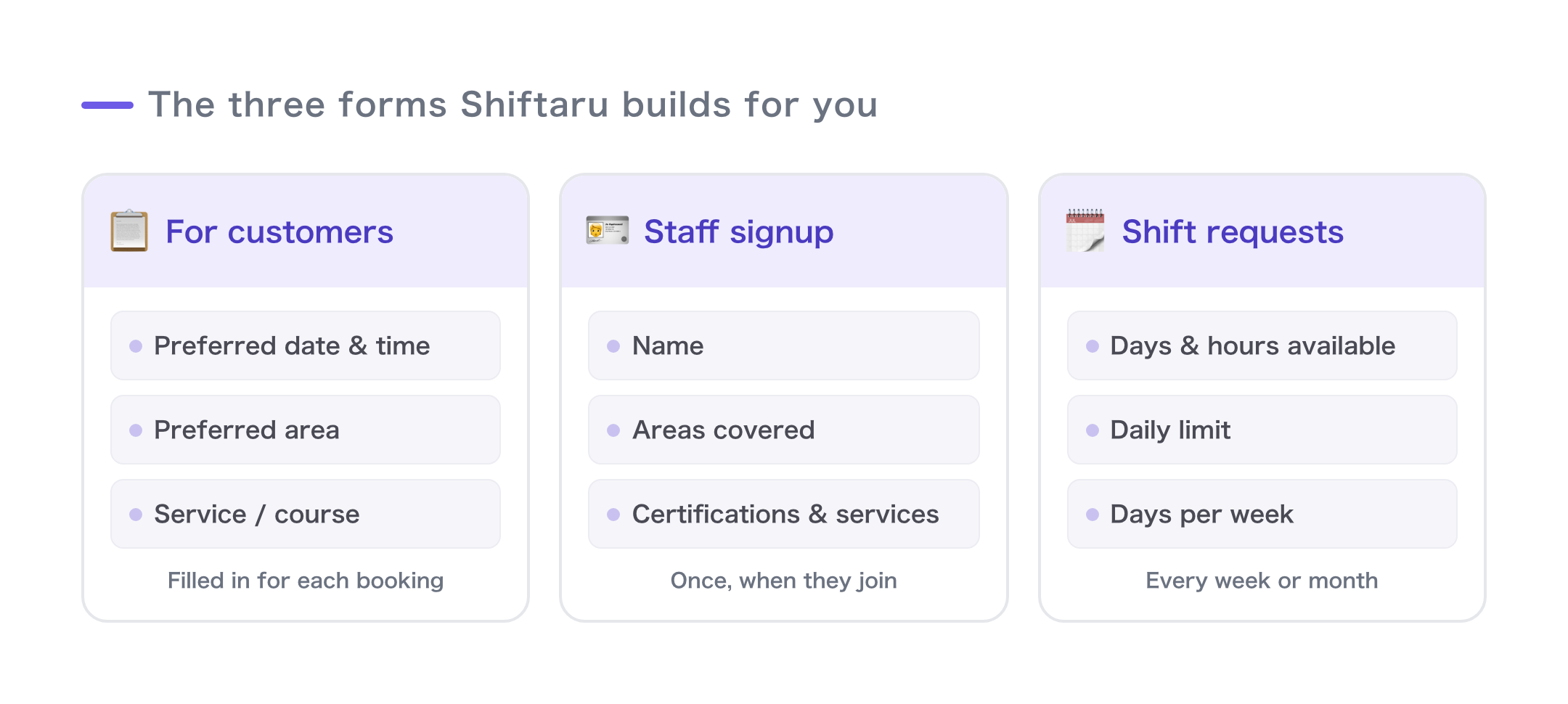
- Customer form — requested date/time, area, requested service
- Staff registration form — name, service areas, certifications (once, at onboarding)
- Staff availability form — the days and times they can work (every week or month)
Generate them with one click and just send the links. Responses pile up in a spreadsheet on their own.
(Generating forms requires connecting your own Google account. And of course, you're free to build the Google Forms by hand instead.)
Loading the responses — no API key required
"Getting the data into the app is the hard part, right?" Not here.
Take the response spreadsheet, choose Publish to the web → CSV, and paste that URL into Shiftaru. That's the whole procedure.
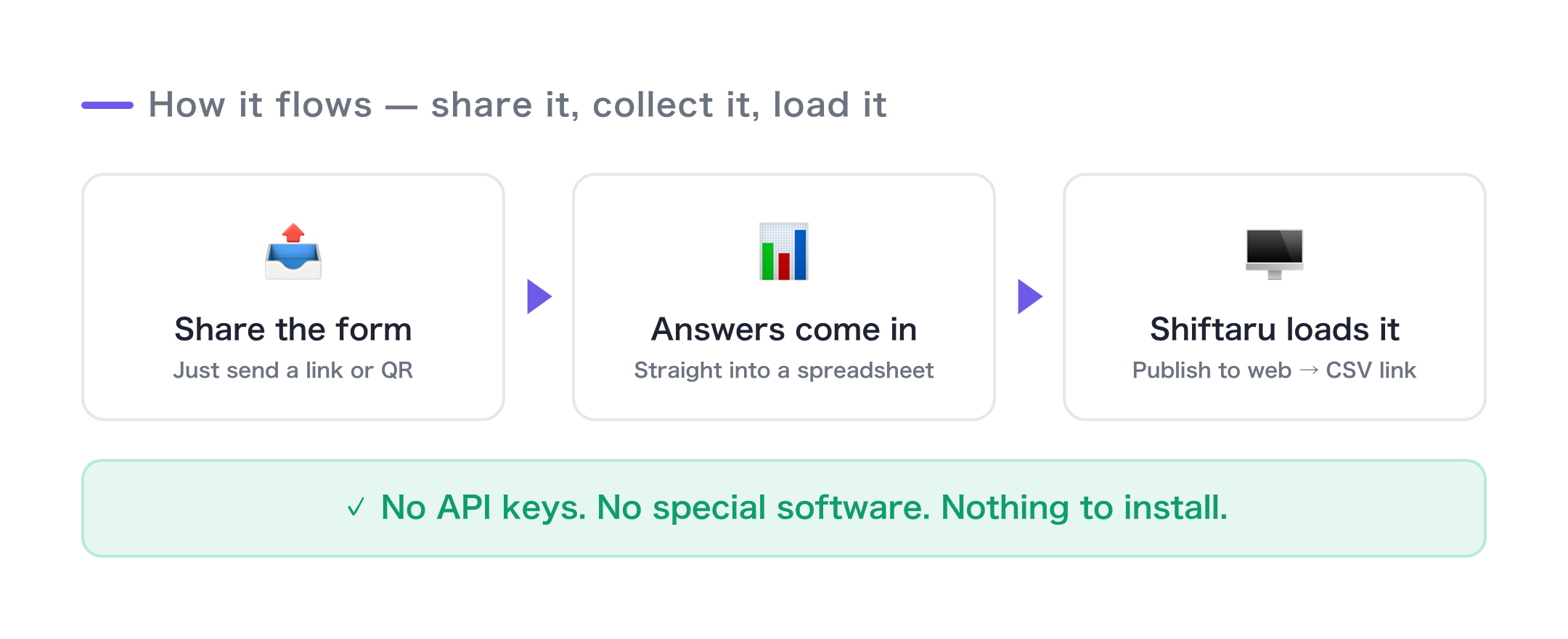
No API keys to issue, no authentication setup to fight through. Shiftaru just reads a published CSV, so nobody gets stuck at the import step.
Fixed column names mean the import never drifts
One more thing that quietly matters: the form question becomes the column name.
The forms Shiftaru generates use the exact column names the importer looks for. So form → response sheet → import all line up, and you never hit the classic failure where a field shows up in the sample but vanishes on import.
Collect, accumulate, load — the three were designed to fit together from the start.
Wrapping up
- The first obstacle in scheduling is collecting. If the data isn't consistent, automation can't run.
- Google Forms: free, works on phones, zero retyping, consistent format
- Shiftaru generates all three forms, and responses import without an API key
- Question = column name, so the import never drifts
Once the data is in, you just hand it to the automatic matching from the last article. Make the heaviest part — collecting — light, and the whole scheduling process starts to move.
- ▶ https://shiftaru.com — free practice mode, no signup
- ▶ Read more: Shiftaru Blog