Almost every shift schedule starts in Excel or Google Sheets. And honestly, that's fine. While the team is small, you hold the whole puzzle in your head and type names into cells.
Then one week it gets heavy — fast. That's not Excel being bad at its job. It's your schedule outgrowing what a spreadsheet was ever built to do.
Here are the five moments where that limit shows up, and what to replace when it does.
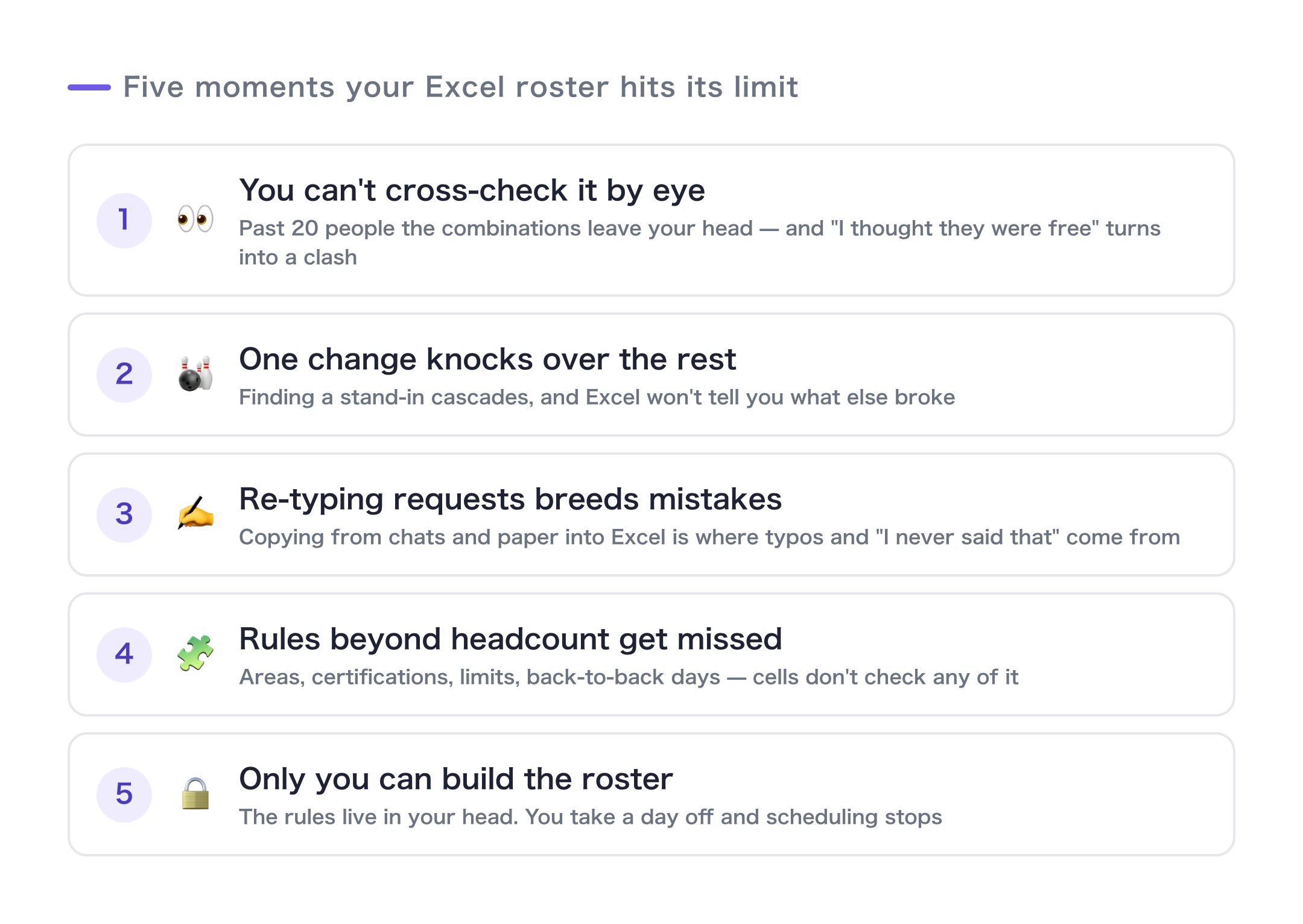
The 5 moments
1. You can't cross-check by eye anymore
You put two tables side by side — requests here, availability there — and fill in the gaps by looking back and forth. With 10 people and 10 jobs, sheer effort works. Past 20 people, the number of combinations leaves your head entirely.
The moment you start placing someone because "I'm pretty sure they were free," and it collides later — that's sign one.
2. One change turns into a chain reaction
A staff member texts: can't make Thursday. You find a replacement → that person now conflicts with another booking → so you move a third person…
Excel won't tell you what a change breaks. Every reshuffle means re-scanning the whole grid with your eyes.
3. Transcription introduces errors
Availability arrives by text, chat, or on paper, and you retype it into Excel by hand. That retyping is where mis-reads, dropped requests, and "but I told you Tuesday" all come from.
Most scheduling mistakes are not born when you build the schedule. They're born when you collect the inputs.
4. Constraints beyond "who's free" get missed
Territory, certifications, which services they're trained on, daily caps, consecutive days…
Real schedules aren't "anyone available will do." A spreadsheet cell doesn't check any of that — which leaves your memory as the last line of defense.
5. Nobody but you can build the schedule
The rules and the history live in your head, so when you take a day off, the schedule stops. "It's faster if I just do it" is a nice thing to say — and also the sound of a process that now depends entirely on one person.
Three or more? It's a tooling problem
Any one of these you can work around: write a formula, color-code it, tighten the deadline.
But if three or more happen every single week, the tool is the problem. You're past the point where more care and attention will fix it.
Three things belong in a system, not in your head:
- Collect — gather availability through a form so nothing gets retyped (fixes #3)
- Match — let software cross-check against your real constraints (fixes #1, #2, #4)
- Export — publish results as a table and a calendar so anyone can run it (fixes #5)
So I built the system
I hit all five of these myself. That's why I built Shiftaru, a shift and booking auto-matching app.
- Availability comes in through an auto-generated Google Form — zero retyping
- Automatic matching that respects your constraints — territory, certifications, caps — in seconds, even for hundreds of bookings
- When something changes, rebuilding is one button. Results go out as a calendar and a CSV
And your data is processed entirely inside your own browser (more on that design in Post 3).
🎉 Now live
Shiftaru is officially live. The free practice mode (sample data) needs no signup.
👉 https://shiftaru.com
Summary
- Excel shift schedules break down in five ways: cross-checking by eye, the ripple effect of a single change, transcription errors, missed constraints, and one-person dependency
- Three or more of those every week means you change the tool, not the effort
- Hand three jobs to software: collect, match, export
The hours you stop spending on the spreadsheet go back to your team and your customers.
- ▶ https://shiftaru.com — free practice mode, no signup
- ▶ Read more: Shiftaru Blog